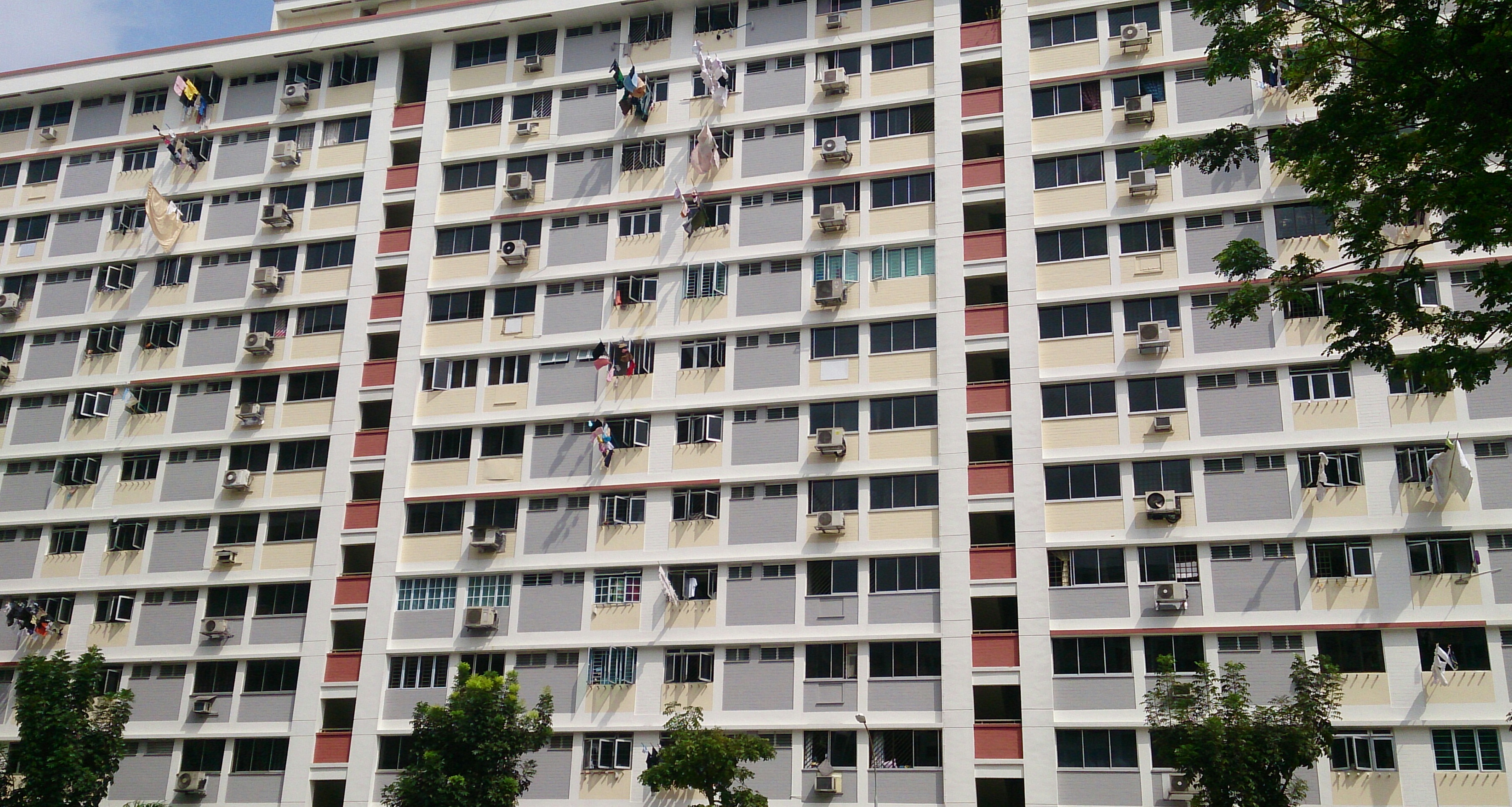
How Property Tax Assessment Works in Singapore
Unlike income tax, property tax in Singapore is not self-assessed. IRAS determines the Annual Value (AV) for each property, applies the relevant rate schedule, and issues a Notice of Assessment. The owner's primary obligation is to pay by the due date and to notify IRAS promptly of any changes that affect the tax position.
The assessment process runs on an annual cycle. Bills for the following calendar year are dispatched each December. The standard payment deadline is 31 January. Property owners who have set up GIRO arrangements with a Singapore bank account receive monthly deductions spread across the year, rather than a lump-sum payment.
When You Do Need to Act
Active filing or notification is required in four main scenarios:
- Objecting to the Annual Value stated in your Notice of Assessment
- Applying for (or cancelling) the owner-occupier concession
- Notifying IRAS of a change in occupancy, rental status, or ownership
- Updating bank account details for GIRO deductions
Accessing myTax Portal
All property tax transactions with IRAS are handled through myTax Portal, the government's centralised tax administration system. Access requires a Singpass account. Foreign nationals holding valid passes can log in using their Singpass Foreign User Account (SFA) registered with the ICA.
Step-by-step: Checking Your Property Tax Account
- Log in to myTax Portal at mytax.iras.gov.sg using Singpass.
- Under Property in the top navigation, select View Property Tax Bill.
- A list of properties associated with your NRIC or UEN appears. Select the relevant address.
- The current AV, applicable rate tier, assessed tax amount, and payment status are displayed.
Filing an Objection to the Annual Value
If you believe the AV assigned to your property is higher than what comparable properties actually achieve in rent, you have the right to file a formal objection. The window is narrow: 30 days from the date of the Notice of Assessment.
What to Prepare
A well-supported objection typically includes:
- Signed tenancy agreements for comparable units nearby (same development or equivalent neighbourhood) showing lower achievable rents
- HDB or URA rental transaction data for the same flat type and general area
- Your own lease agreement if the property is rented out, showing the actual contracted rent
- A written statement explaining the basis for your proposed lower AV
Filing the Objection
- In myTax Portal, go to Property > Object to Annual Value.
- Select the relevant property and the notice you are objecting to.
- Enter your proposed AV and upload supporting documents (PDF, max 5 MB per file).
- Submit. IRAS will acknowledge receipt within one to three working days and will review the case within six to twelve weeks in most instances.
While an objection is under review, you are still required to pay the tax on the original assessment amount by the due date. If the objection is upheld and the AV is reduced, a refund is issued for the difference.
Applying for the Owner-Occupier Concession
For private residential property, the owner-occupier concession must be applied for through myTax Portal. HDB flat owners are typically auto-enrolled on purchase, but private property owners must submit a declaration that the property is their principal residence.
Application Steps
- Log in to myTax Portal and navigate to Property > Apply for Owner-Occupier Tax Rates.
- Confirm your NRIC address — it must match the property address. If your NRIC shows a different address, update it with ICA before applying.
- Declaration: confirm that you occupy the property as your principal residence and that you do not have another property claiming the same concession.
- Submit. IRAS will process within two to four weeks and issue a revised Notice of Assessment if the tax changes materially.
Notifying IRAS of Occupancy Changes
Owners are legally required to inform IRAS within 15 days when their property's occupancy status changes in a way that affects their tax rate. The notification is submitted through myTax Portal under Property > Update Property Ownership / Occupancy Status.
Situations requiring notification include: moving out and renting the whole property, putting the property on the market while vacant, or returning to live in a property that was previously rented out. Each change triggers a re-assessment from the effective date stated in the notification.
Payment Channels and GIRO Setup
Property tax can be paid through the following channels:
| Channel | Details |
|---|---|
| GIRO (recommended) | Monthly deductions across 12 instalments, no surcharge, set up via myTax Portal or internet banking |
| Internet banking (PayNow) | Use the PayNow UEN on the bill; immediate processing |
| AXS kiosks | Physical kiosks across Singapore; accepts NETS debit |
| SingPost counters | In-person payment at SingPost branches; cheque or NETS |
IRAS recommends GIRO as the default arrangement because it eliminates the risk of forgetting a lump-sum deadline and spreads the outflow predictably.
What Happens When Payment Is Late
A 5% penalty surcharge is applied to the full unpaid amount the day after the due date. If the tax plus penalty remain unpaid after a further notice period (typically 30 days), IRAS can issue a Warrant of Attachment to seize movable assets, register a legal charge on the property title, and pursue recovery through the courts.
In practice, IRAS does engage with owners who contact them proactively about payment difficulties. Instalment arrangements outside the standard GIRO schedule have been granted on a case-by-case basis, particularly for elderly single owners or those facing documented financial hardship.